top of page

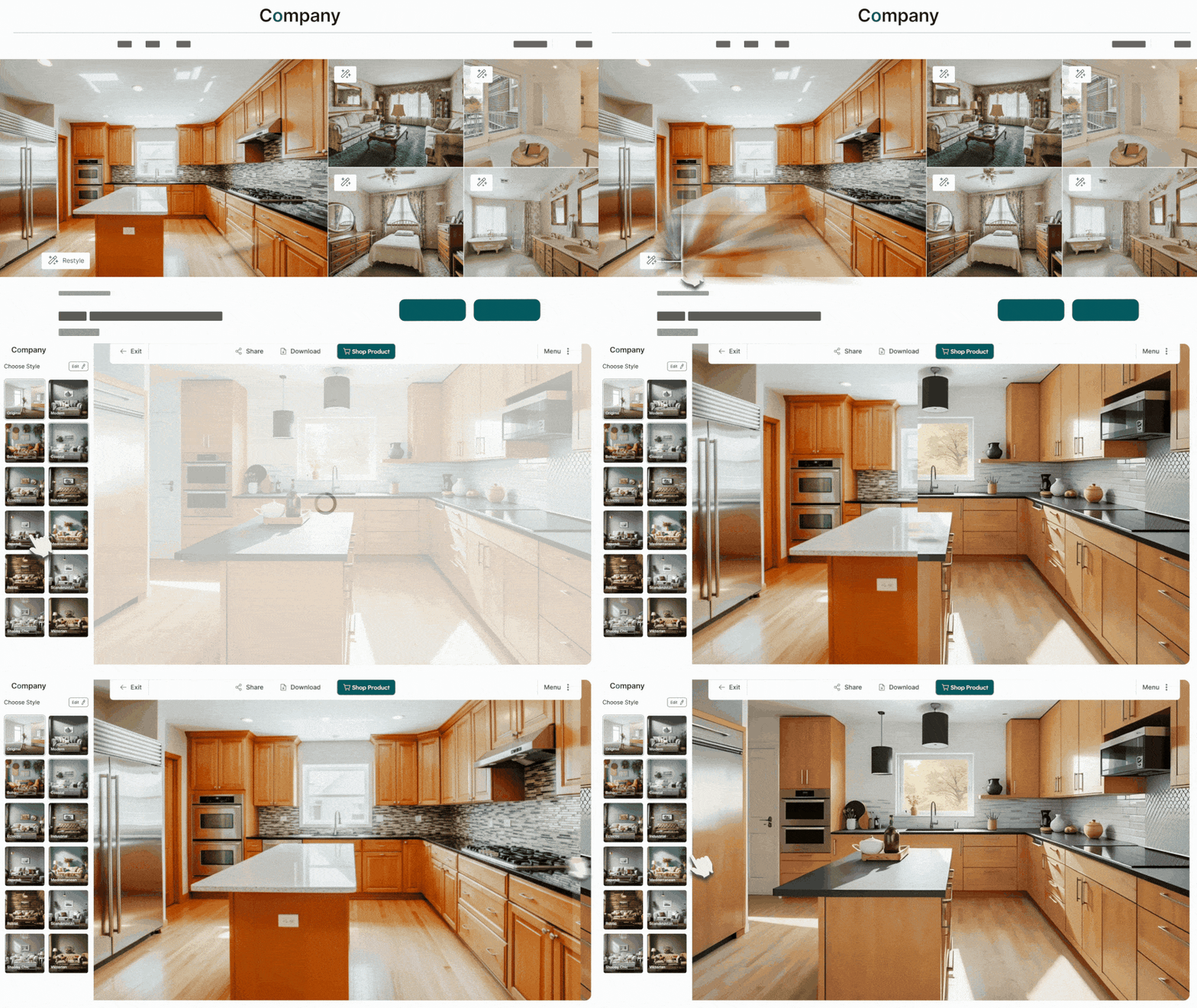
What is Roomvo?
Roomvo is a next-generation room visualization platform that allows homebuyers to instantly redesign rooms, changing flooring, wall colors, finishes, and more, right inside listings. It transforms static listing images into interactive experiences, helping buyers to see the true potential of a home and feel more emotionally connected.

How to Use Roomvo in OneHome
As a REsides subscriber, you already have access to Roomvo via OneHome. Here's how to get started:
1. Find your listing in the OneHome portal.
2. Click the 'reimagine space' button below the main listing menu.
3. The Roomvo visualizer opens - choose the room image you want to reimagine (living room, kitchen, etc.).
4. Use the interactive tools to swap flooring, change wall colors or finishes, and explore design styles.
5. Once you're happy with the look, save or share the visualization to send to your client to tailor your outreach.
Pro Tip:
Use Roomvo to elevate your follow-up game. After an Open House,
restyle the listing based on buyer feedback, then share the personalized
images to show you're listening and help them envision their future
home.

Pain Points. Solved.

Roomvo How-to Guide

Click the image to download the guide.
bottom of page